
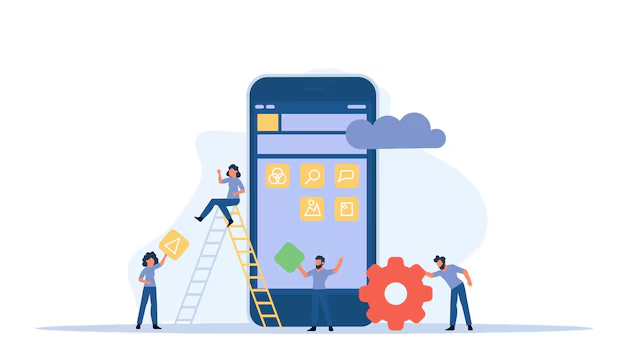


Custom Mobile Applications

Mobile App Development.

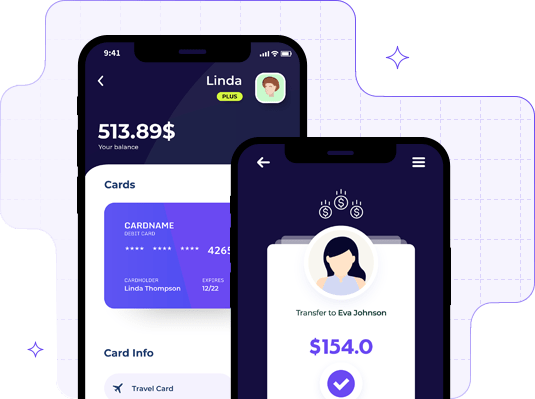
Get Your Brand in People’s Pocket with Our Expert Mobile App Development Services. We understand the importance of an engaging and appealing mobile application and aim to provide the best user experience.

web development
coding image
Best Mobile App Development • Digital Fueled •
coding image

Professional Mobile App Development Solutions

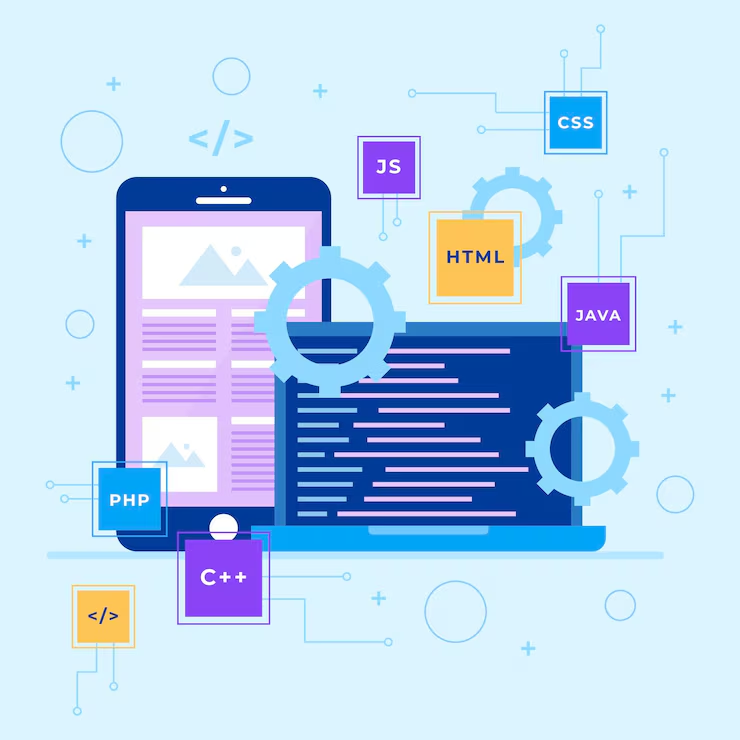
Mobile app development involves the creation of software applications that run on mobile devices like smartphones and tablets. This process can be broken down into several key stages, from initial idea and design to development, testing, and deployment. The app can be built for various plat-forms, primarily iOS and Android.

Enquire Now
Arrow iconArrow icon

Our Mobile App Development Process Overview

Stage 01

Idea & Planning

Idea & Planning illustration
  • Conceptualization

    Define the problem your app solves and identify the target audience.

  • Market Research

    Analyze competitors, user needs, and industry trends to validate your app idea.

  • Feature List

    Outline the core features and functionality required for the first release.

  • Monetization Strategy

    Decide whether the app will be free, paid, subscription-based, or include in-app purchases.

Stage 02

Design

Design illustration
  • Wireframing

    Create low-fidelity layouts to define screen structure, navigation, and user flow.

  • UI/UX Design

    Design high-fidelity interfaces using tools like Figma, Sketch, or Adobe XD while following platform design guidelines.

  • Visual Assets

    Prepare icons, splash screens, illustrations, and branding assets for the application.

Stage 03

Choosing the Development Approach

Choosing the Development Approach illustration
  • Native Development

    • Android: Developed in Java or Kotlin using Android Studio.
    • iOS: Developed in Swift or Objective-C using Xcode.
    • Pros: Optimal performance and full access to device features.
    • Cons: Separate codebases for each platform.
  • Cross-Platform Development

    • React Native: Uses JavaScript and allows for shared code across both iOS and Android.
    • Flutter: Uses Dart and also supports cross-platform development.
    • Xamarin: Uses C# and .NET for cross-platform apps.
    • Pros: One codebase for both platforms.
    • Cons: May lack full access to some native features and slightly lower performance compared to native apps.
  • Progressive Web Apps (PWAs)

    Web-based apps that behave like mobile apps. They are developed using HTML, CSS, and JavaScript.

    • Pros: Can run on any platform and don't need to be installed from an app store.
    • Cons: Limited access to device features and offline functionality.
Stage 04

Development

Development illustration
  • Frontend Development

    Build the user interface and implement the client-side functionality users interact with.

  • Backend Development

    Develop server-side services such as authentication, APIs, cloud storage, and business logic using technologies like Node.js, Django, Ruby on Rails, or Spring Boot.

  • API Integration

    Connect the application with backend services or third-party platforms using REST or GraphQL APIs.

  • Database

    Store application data using databases such as Firebase, MongoDB, PostgreSQL, or MySQL.

Stage 05

Testing

Testing illustration
  • Unit Testing

    Verify that individual components work correctly in isolation.

  • Integration Testing

    Ensure different modules communicate and function together as expected.

  • UI Testing

    Automate interface testing to validate user interactions and workflows.

  • Manual Testing

    Perform exploratory testing to identify usability issues and unexpected bugs.

  • Beta Testing

    Release the app to a limited audience to gather feedback before the public launch.

Stage 06

Deployment

Deployment illustration
  • App Store Submission (iOS)

    Publish the app through App Store Connect while meeting Apple's review guidelines.

  • Google Play Submission (Android)

    Submit the app to Google Play Console and ensure compliance with Google's policies.

  • App Versioning

    Manage version numbers, release notes, and update cycles for future releases.

Stage 07

Post-Launch & Maintenance

Post-Launch & Maintenance illustration
  • Bug Fixes

    Resolve issues reported by users and improve application stability.

  • Updates

    Release regular updates with new features, optimizations, and OS compatibility improvements.

  • Analytics

    Monitor user behavior, engagement, and retention using analytics platforms like Firebase Analytics or Mixpanel.

  • User Feedback

    Review user feedback and app store ratings to continuously improve the user experience.

Key Technologies & Tools for Mobile App Development

Languages Technologies

iconsSwift
iconsKotlin
iconsJava
iconsDart
iconsJavaScript

Here's a breakdown of the mobile app development services that agencies and developers offer

App Strategy and Consulting

App Strategy and Consulting

Develop a clear strategy and roadmap to transform your app idea into a successful digital product.

  • Market Research

    Understanding the competitive landscape and target audience.

  • Business Analysis

    Identifying the best features, functionalities, and technologies to support business goals.

  • App Roadmap

    Developing a detailed plan that outlines the app's purpose, features, and project timeline.

App UI/UX Design

App UI/UX Design

Create intuitive, visually appealing, and user-focused mobile app experiences.

  • Wireframing & Prototyping

    Designing the layout and flow of the app, creating wireframes and prototypes to visualize the user interface (UI) and experience (UX).

  • User-Centered Design

    Ensuring the app is intuitive, easy to navigate, and meets the needs of the target audience.

  • Visual Design

    Crafting the overall look and feel, including graphics, typography, and branding elements.

Native Mobile App Development

Native Mobile App Development

Build high-performance mobile applications optimized for iOS and Android platforms.

  • iOS Development

    Building apps specifically for iPhones and iPads using Swift or Objective-C.

  • Android Development

    Developing apps for Android devices using Kotlin or Java.

  • Platform-Specific Development

    Optimizing apps for the native experience, taking full advantage of platform-specific features like notifications, GPS, camera, and others.

Cross-Platform Mobile App Development

Cross-Platform Mobile App Development

Develop apps for multiple platforms using a single codebase to reduce development time and cost.

  • React Native

    Using JavaScript to create apps that work on both iOS and Android with a single codebase.

  • Flutter

    A UI toolkit from Google that enables developers to build natively compiled apps from a single codebase, using the Dart programming language.

  • Xamarin

    A Microsoft framework that allows developers to use C# to write apps for both iOS and Android.

  • Ionic

    A framework that builds mobile apps with HTML, CSS, and JavaScript, optimized for performance and user experience.

  • Benefits

    Cross-platform development helps save time and costs by maintaining one codebase while delivering apps across multiple platforms.

Backend Development and API Integration

Backend Development and API Integration

Build secure, scalable backend systems and seamlessly integrate third-party services.

  • Backend-as-a-Service (BaaS)

    Setting up scalable backend solutions using cloud services like Firebase, AWS, or Microsoft Azure.

  • Custom Backends

    Developing custom server-side architectures using frameworks like Node.js, Django, Ruby on Rails, and Spring Boot.

  • APIs & Integrations

    Integrating third-party services (e.g., payment gateways, social media, cloud storage) using RESTful or GraphQL APIs.

App Testing and Quality Assurance

App Testing and Quality Assurance

Ensure your application is reliable, secure, and performs flawlessly before launch.

  • Automated Testing

    Using tools like JUnit, Appium, and Selenium to test the functionality of the app.

  • Manual Testing

    Real users test the app to ensure it meets usability and functional requirements.

  • Performance Testing

    Ensuring that the app performs well under different conditions, such as low network speed or high load.

  • Security Testing

    Identifying and fixing vulnerabilities to ensure the app is secure for users and their data.

App Deployment

App Deployment

Launch your app efficiently with optimized store listings and production-ready infrastructure.

  • App Store Optimization (ASO)

    Optimizing your app's title, description, and keywords to improve visibility in app stores like the Apple App Store and Google Play Store.

  • App Store Submission

    Helping with the process of submitting the app for review and approval from the app stores, including meeting guidelines and requirements.

  • Deployment on Servers

    Deploying the backend and databases, setting up production environments.

App Maintenance and Updates

App Maintenance and Updates

Keep your app secure, optimized, and up to date with continuous improvements.

  • Bug Fixes

    Regularly updating the app to fix bugs or issues that may arise.

  • App Optimization

    Monitoring app performance, ensuring it runs smoothly across all devices and operating systems.

  • Feature Updates

    Adding new features or enhancing existing ones based on user feedback and market demand.

  • OS Compatibility

    Updating the app when new versions of iOS or Android are released to ensure compatibility.

App Marketing and Monetization Strategy

App Marketing and Monetization Strategy

Maximize user acquisition, engagement, and revenue with effective marketing and monetization strategies.

  • User Acquisition Strategy

    Developing strategies to attract users, including in-app advertisements, push notifications, referral programs, etc.

  • App Monetization

    Offering services like in-app purchases, subscriptions, ads, and premium features.

  • Analytics Integration

    Integrating tools like Google Analytics, Mixpanel, or Firebase Analytics to track user engagement and behaviors.

How It's Work

We believe in providing quality services beyond expectations. Hiring us as your software development partner will avail you countless benefits

step 01

Research & Discovery

We begin by understanding your brand, goals, and target.

step 02

Planning & Strategy

After gathering insights, we develop a detailed plan that defines.

step 03

Design & Prototyping

Our creative team transforms ideas into visual concepts.

step 04

Development & Launch

At this stage, we take your approved designs and strategies.

Have a Project?

Let's talk!

  • NDA? Absolutely just ask.
  • We'll respond in 24 hours fast & focused.
  • Work with senior UX experts, not juniors.

Let's discuss your project.

Share your details, and we’ll reply on WhatsApp.